CAP
PLAYER
The best media player
We are pure media player.
We don't offer any content!
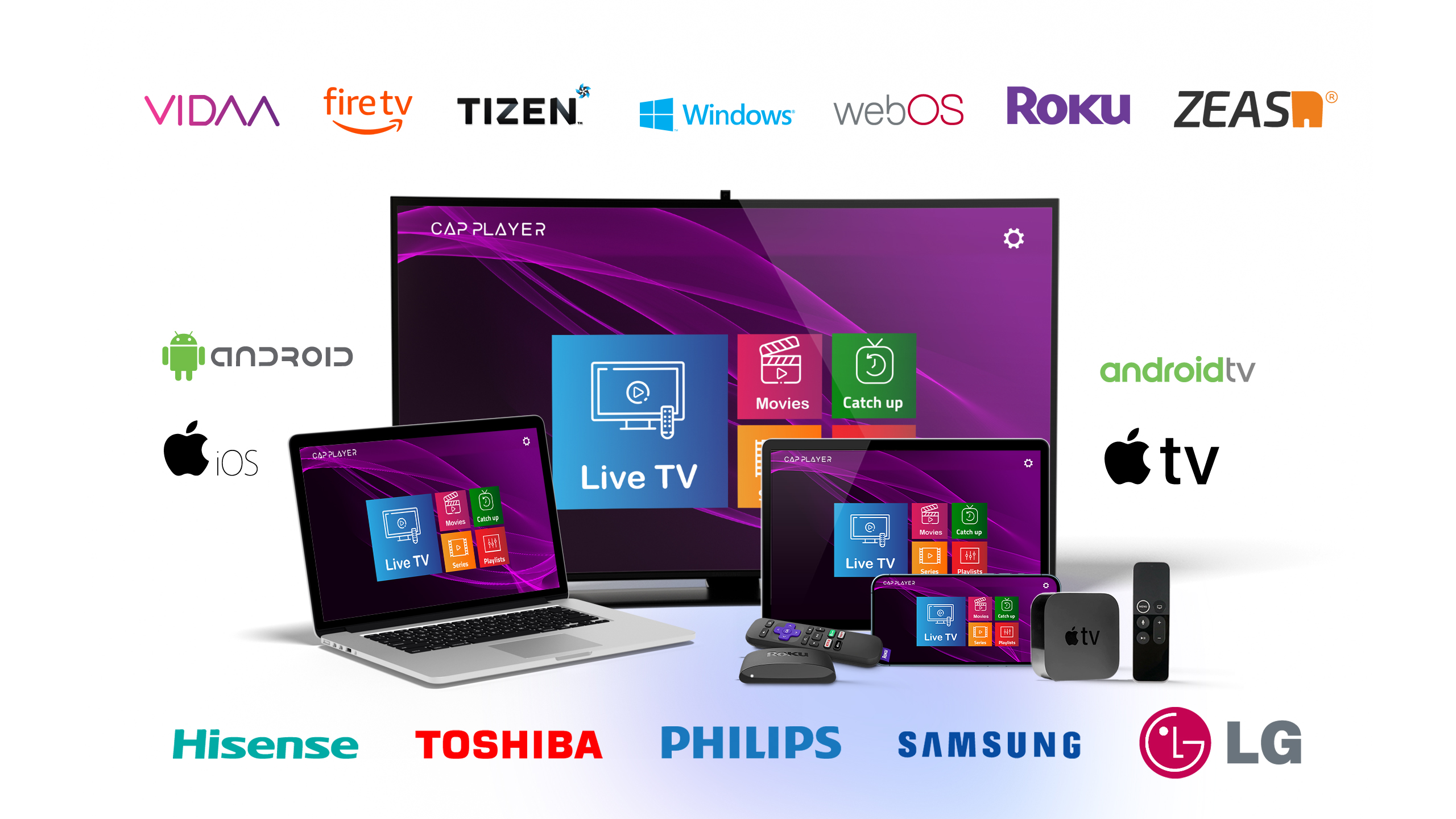
The best media player
We are pure media player.
We don't offer any content!
CAP Player is a cutting-edge m3u player that brings together an array of advanced features, exceptional performance, unparalleled ergonomics, and sleek design, all specifically tailored for Smart TVs. Designed to deliver a seamless and immersive viewing experience, CAP Player sets a new standard in the world of IPTV streaming. With its innovative interface and robust functionality, CAP Player ensures that users can enjoy their favorite content effortlessly on any Smart TV platform.
How to get CAP PLAYER
How to get CAP PLAYER
For iOS or tvOS you can download CAP PLAYER from the App Store or use the following link.
For android or android tv you can download CAP PLAYER from Google Play or use the following link.
CAP PLAYER is available on streaming boxes.
Amazon Fire TV (Downloader):
628699 (V1) 3979537 (V3)CAP PLAYER is available on most common Smart TVs. You can download the app from the store of your TV.
For Windows you can download CAP PLAYER from the following link.
Frequently Asked Questions
Become a reseller
For reseller plans and pricing, contact us on Telegram.
Brazil contact: +55 85 9821-83434
Please read carefully
CAP Player does not supply or include any media or content. Users must provide their own content via M3U playlists or other supported formats.
CAP Player has no affiliation with any third-party content provider. Any content played through the app is the sole responsibility of the user.
CAP Player is not responsible for the accuracy, compliance, copyright, legality, or any other aspect of the content streamed through the application.
By using CAP Player, you agree that you are solely responsible for any content accessed through the application and that CAP Player bears no liability for such content.




Download on the store for your device